Did you try to change the thumbnail photo for those persons?
With a little luck you will get to choose from a collection of different previous photos from this person.
...
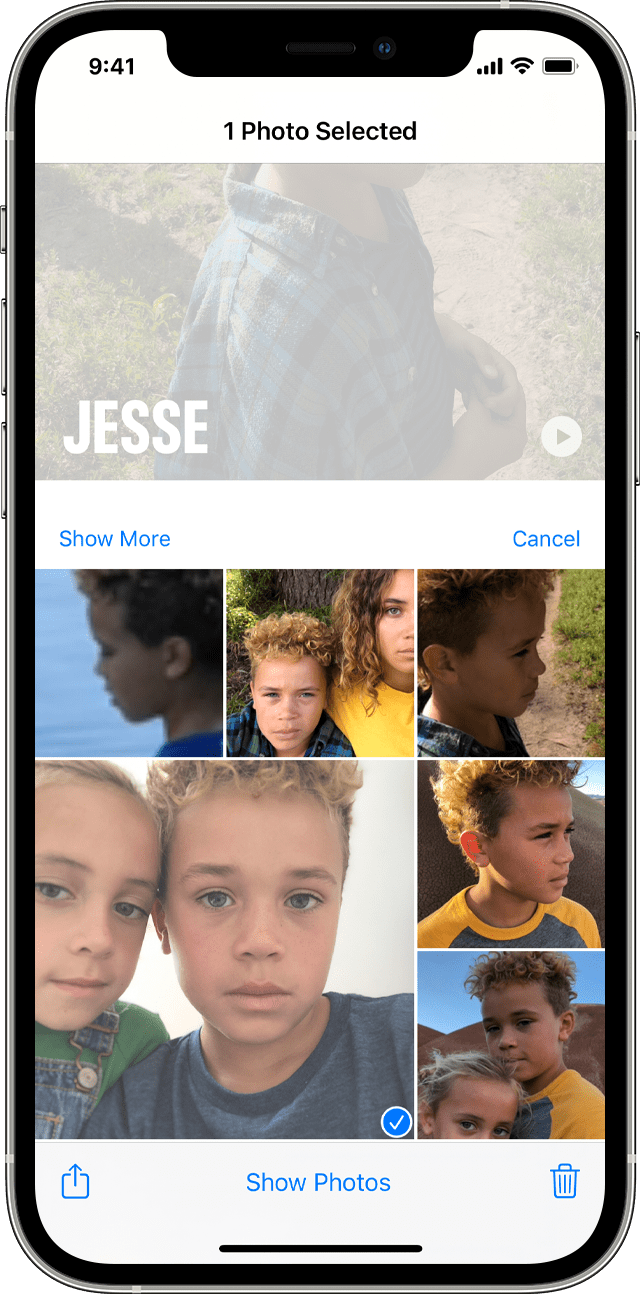
Change a thumbnail photo
Photos automatically assigns a face thumbnail for each person it recognizes. If you want to use a different photo for someone's thumbnail, you can change it from their photo collection screen. Here's how:
- Open the People album, then tap the person.
- Tap Select, then tap Show Faces to focus on just the person’s face in each photo.
- Tap the photo that you want to use.

...
copied from: Use the People album in Photos on your iPhone, iPad, or iPod touch - Apple Support

