joanbell wrote:
Thanks for your response, it is on start-up - I used to see the Apple default screen for the MAC OS26. - then I would sign in and then see my own wallpaper choice.
Now the wallpaper is all I see on start up.
I know how to cusomize the wallpaper, that isn't the issue. Thanks again, .Maybe there will be another update where this will be sorted.
If that is all you see on startup how do you log in—are you saying that's the issue?
What is the bluewave is that the old Sequoia default wall paper— you say you know how to change wall paper...
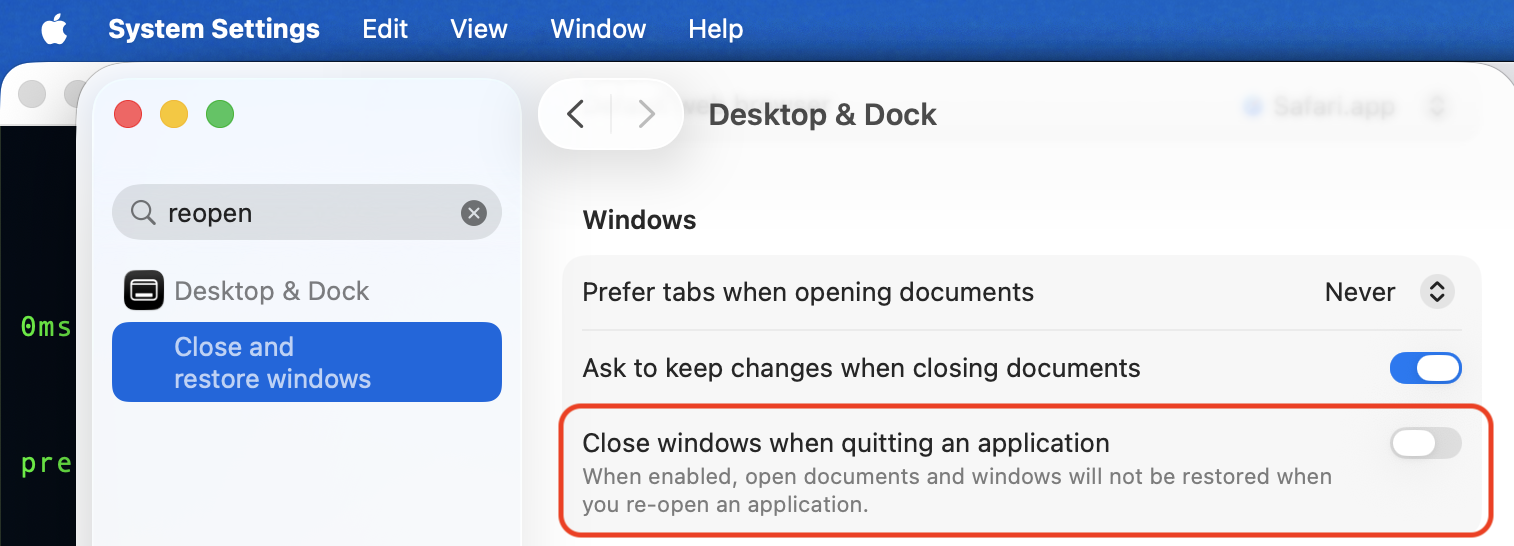
After you logiin you should see any desktop items application from the last time, (unless you chose not to reopen applications when shutting down or restarting.)
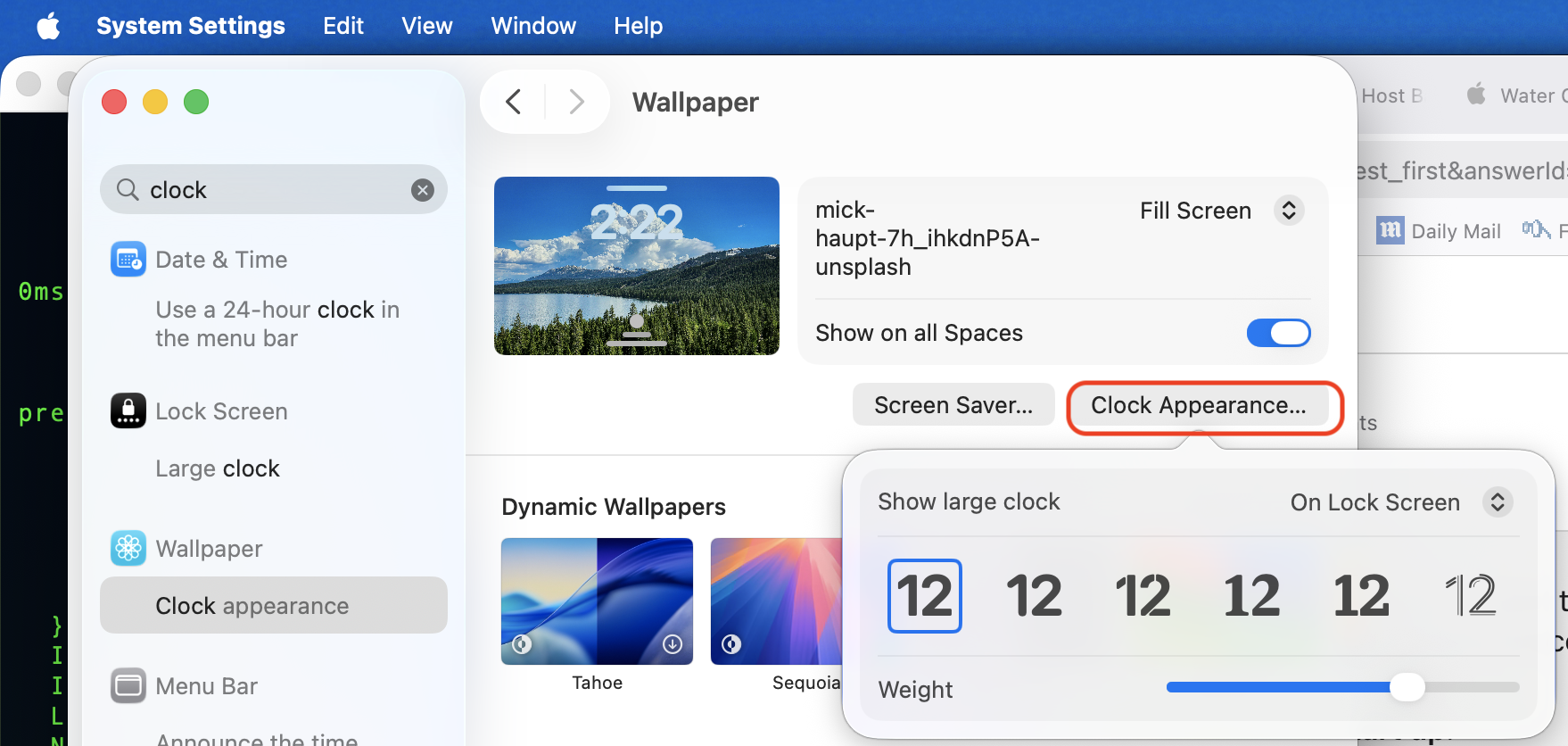
Tahoe has a clock feature as well...
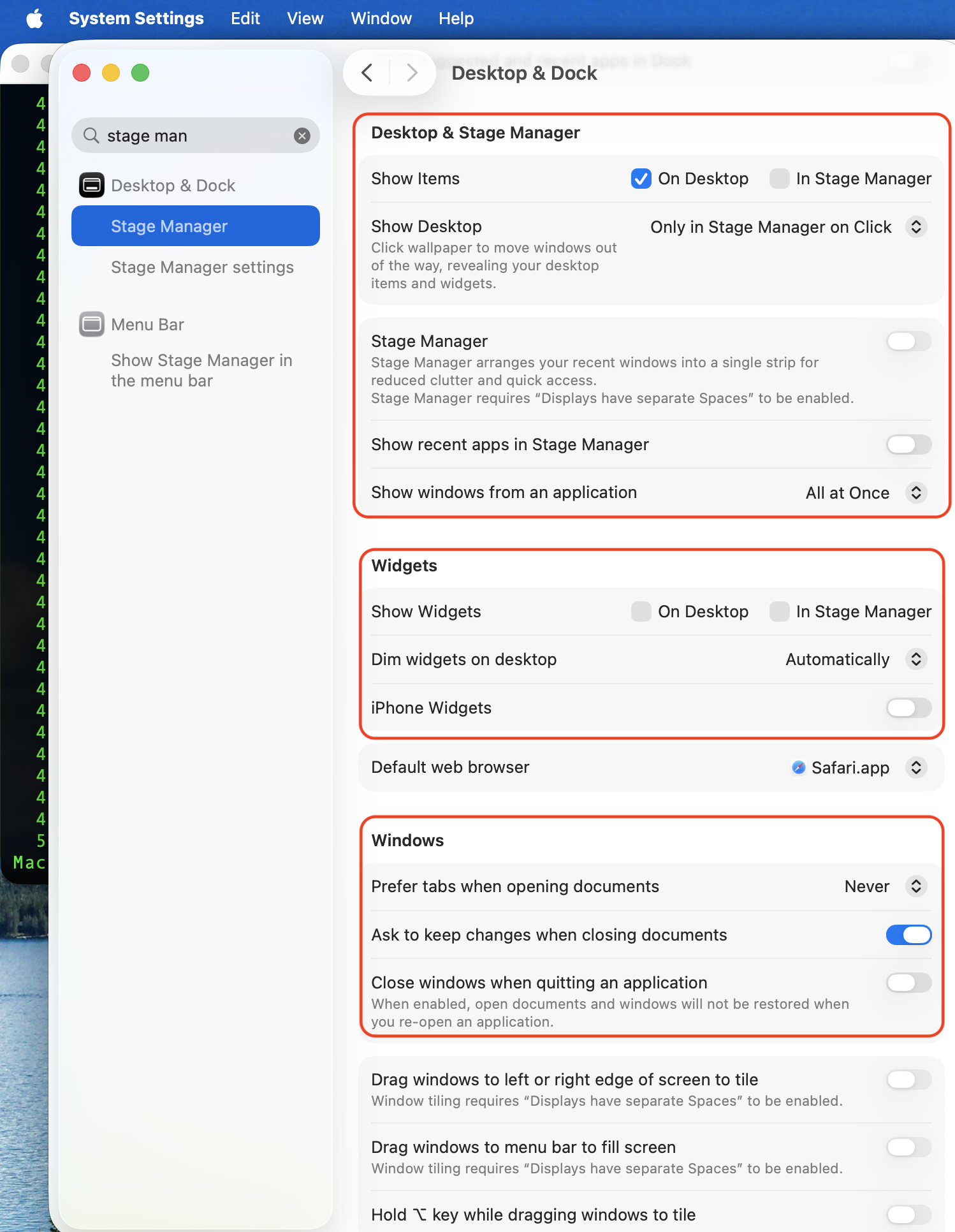
You can turn off all the features introduced back in Sequoia if that is the issue or make changes
if you want help with your issue you will have to provide more information, screenshots or something more to go on.
Good luck !


