ODog wrote:
thank you thank you!!
so what's the difference between double clicking the CC which is what i've been doing and typing in the shortcut shift+commG? your shortcut obviously allows me to add in additional clips which is what i was looking for.
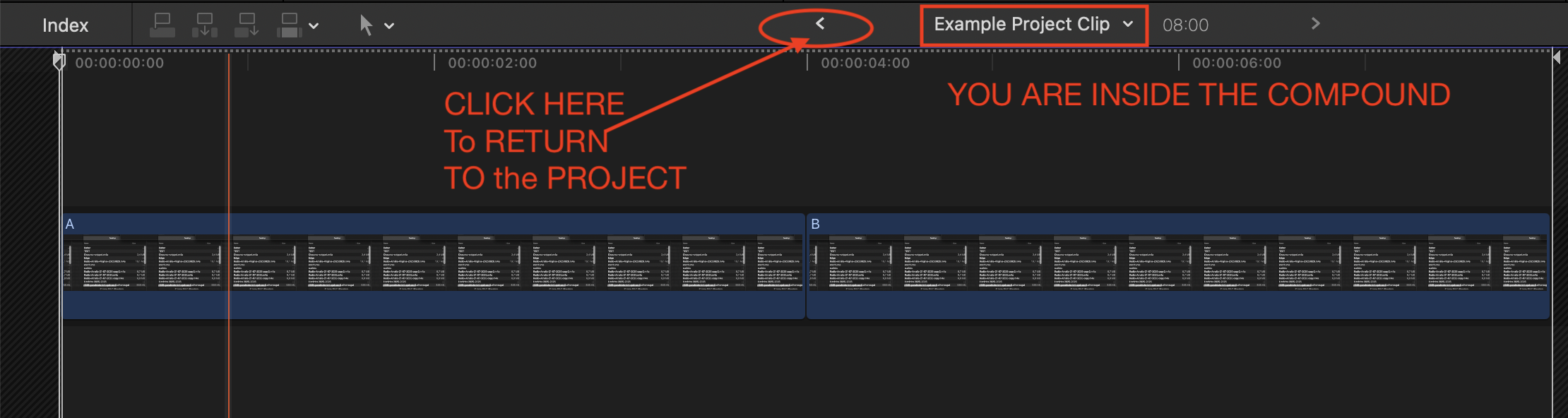
If you double-click the CC you go into its contents and can edit it.
The CC continues to exist and be part of the project where you had it.
If you do Command-Shift-G the CC will not exist anymore, it is "broken apart" into its constituents.
Example:
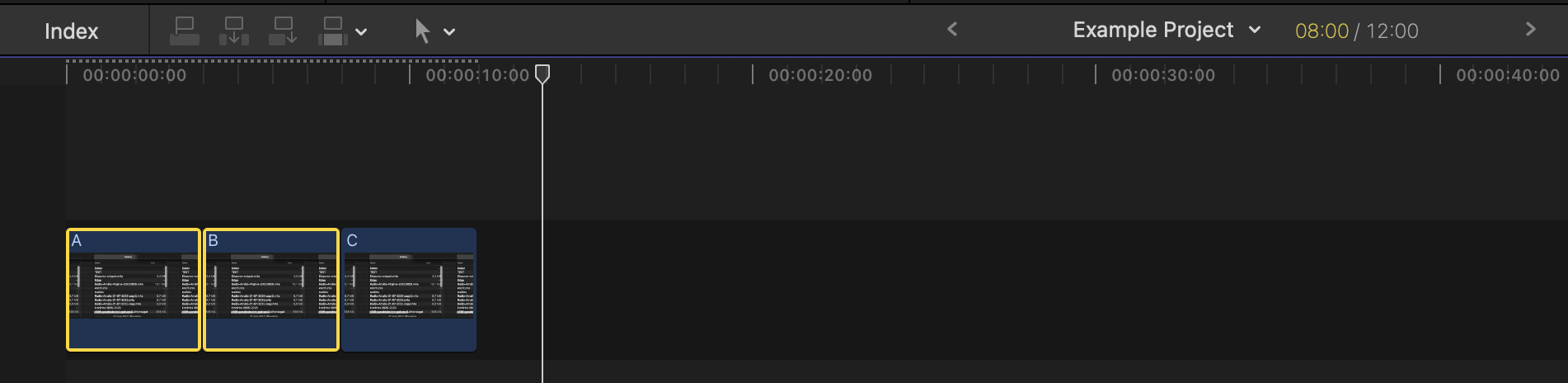
Here is a project "Example Project" with three clips A, B, C
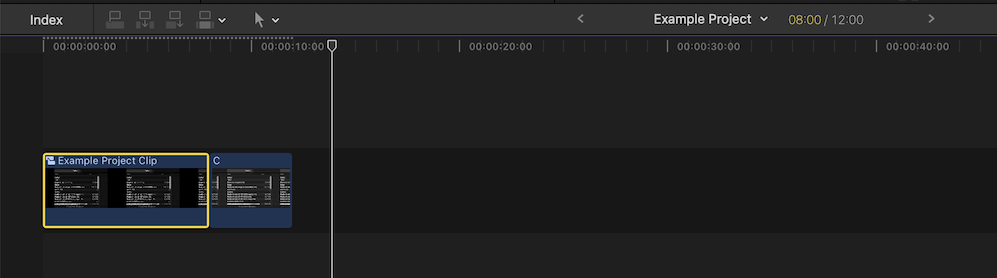
Selecting A and B, and creating a Compound Clip - see "Example Project" now has TWO clips, the new compound clip, and clip C
If you now were to do Command-Shift-G now, you would get back to where you started - the compound clip would be no more, and
you would again have clips A, B, C at the project level again (exactly the same as the first image above!).
But if instead you double click on the compound clip, you would dive inside the compound, possibly make edits there, but the "Example Project" will still include the compound, and the clip C.