Macbook slows down when I'm in video conference calls

My MacBook works just fine. The speed is great. But whenever I'm in a Zoom or Teams meeting, my laptop starts moving at a snail's pace. Switching between windows and tabs slows down. Getting any work done while I'm in a video conference call is futile. It's very embarrassing when I need to share my screen for work and everything moves so slowly. How can I ensure my MacBook maintains its speed during Zoom and Team meetings? I have found no issue during FaceTime calls.

MacBook Air 13″, 13.1

Posted on Dec 21, 2022 7:58 AM

Reply
1 reply

Dec 22, 2022 12:48 PM in response to spencerg1323

Hello spencerg1323,


If the behavior you're experiencing is isolated to the specific apps you mentioned, we'd recommend making sure they're up to date, as app updates often include software that improve stability. How to manually update apps on your Apple device will walk you through updating the apps if they were downloaded from the Mac App Store.


"How to manually update apps on your Mac

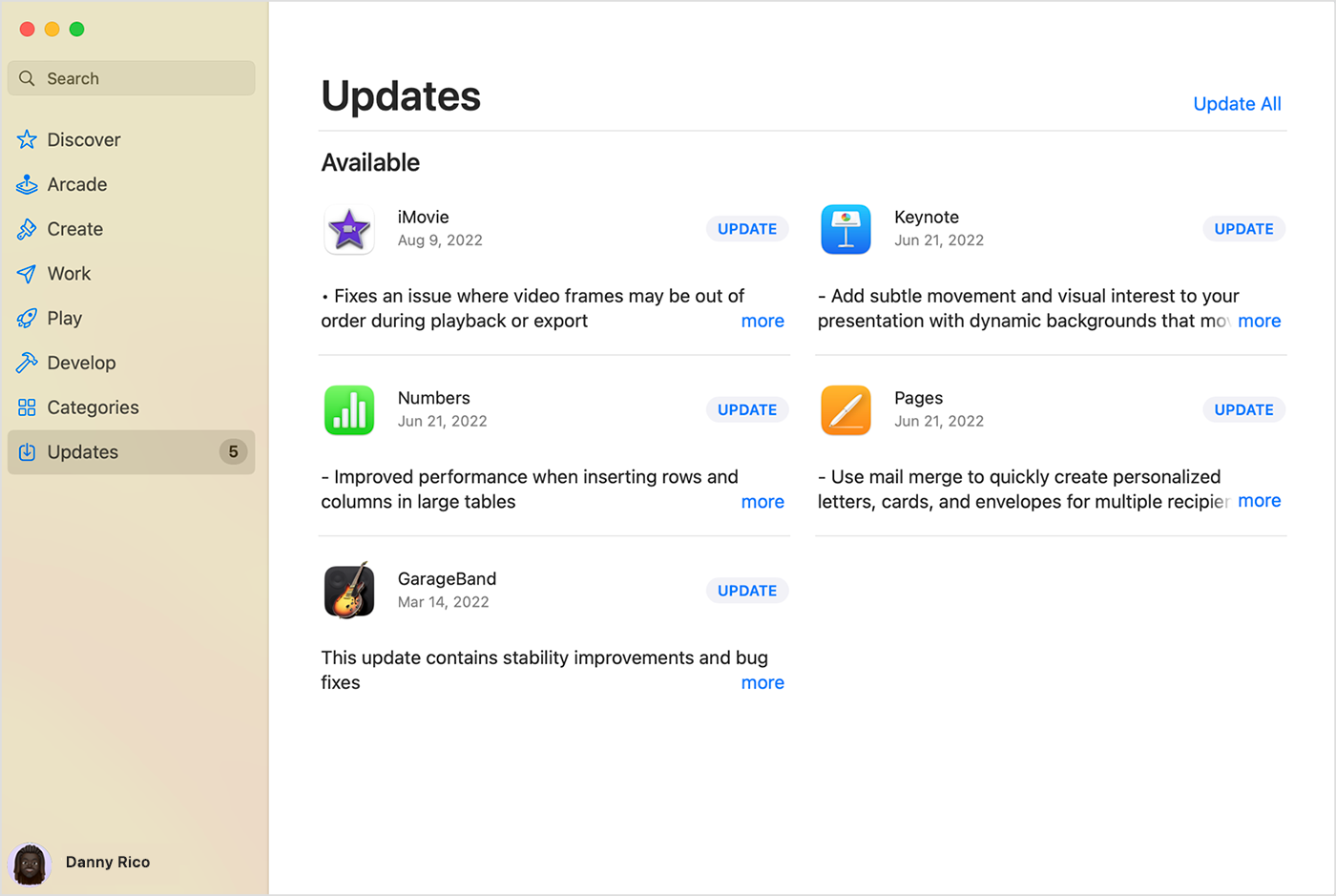
  1. Open the App Store.
  2. In the sidebar, click Updates.
  3. Click Update next to an app to update only that app, or click Update All.

Mac showing the Updates page in the App Store.

If you didn’t get the app from the App Store on your Mac, contact the app developer to get help with updates."


If the behavior continues after installing the latest version of the app, we'd recommend contacting the developer directly. How to contact an app developer They'll be best equipped to provide additional support for issues related to their apps.


Cheers!


This thread has been closed by the system or the community team. You may vote for any posts you find helpful, or search the Community for additional answers.

Macbook slows down when I'm in video conference calls

Welcome to Apple Support Community
A forum where Apple customers help each other with their products. Get started with your Apple Account.