Which system version is installed on your Mac?
With the more recent system versions you will be seeing the albums and nested folders in the sidebar, but the smart albums will be missing. Most of my folders appear to be empty at www.icloud.com , because nearly all my albums are smart albums. And the Library view is restricted to "All Photos", we are seeing only a long, long, flat list of all photos, without the separation into Years, Months, Days. Without smart albums and a search field it is very hard to find anything at all, unless we recreate the temporal structure with nested folders and standard albums.
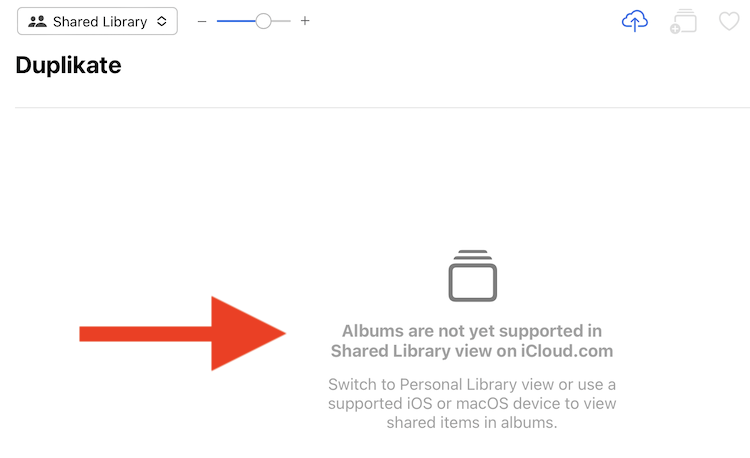
And if you have the Shared iCloud Photos Library enabled, you will not be seeing any albums at all, unless you are viewing the personal library or "Both Libraries".
My list of albums is looking like this: Folders for groups of ten years, with subfolders for each year, and inside the yearly folders subfolders and standard albums for each major event in this year. When I want to see a smart album at www. icloud.com or on my iPhone or iPad, I replicate it as a standard album. I cannot do it for all smart albums, because the corresponding standard albums need to be updated manually.

Viewing the shared library:
A folder with twenty Smart Albums at www.icloud.com:



