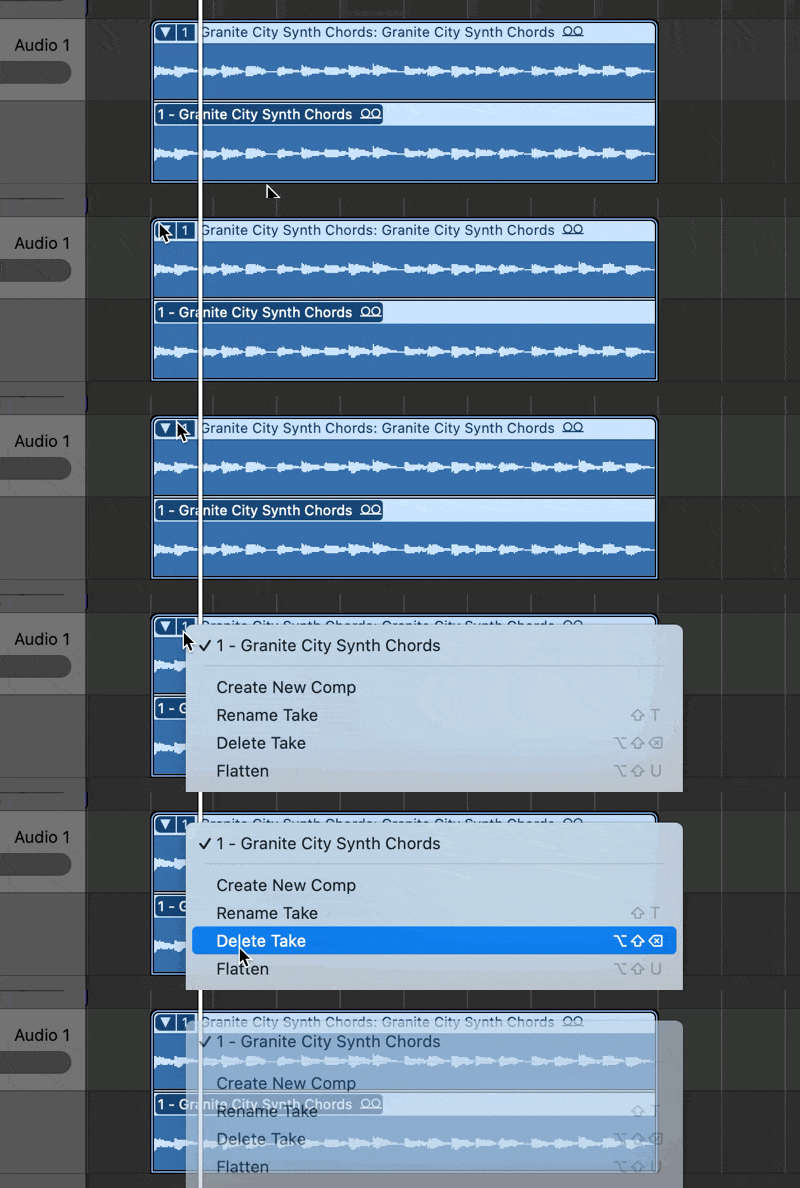
Sir, you do not have to control click but yes you are correct about that behavior.
I would try to update my version of Logic Pro. Just make sure you back everything up accordingly.
Back up the Logic Pro app
- Create a new folder in the Applications folder. Name the folder with the name and version of the application (for example, "Logic Pro 11.1.2"). To check the version of Logic Pro you have, open the application and choose About Logic Pro from the Logic Pro menu.
- Select the Logic Pro application in the Applications folder. Choose File > Compress "Logic Pro." It will take a few minutes to compress.
- Move the resulting "Logic Pro.zip" file into the folder you created in step 1.
- If you need to save space on your startup disk, move the folder containing the ZIP file to an external storage device, then delete the folder in your Applications folder.

