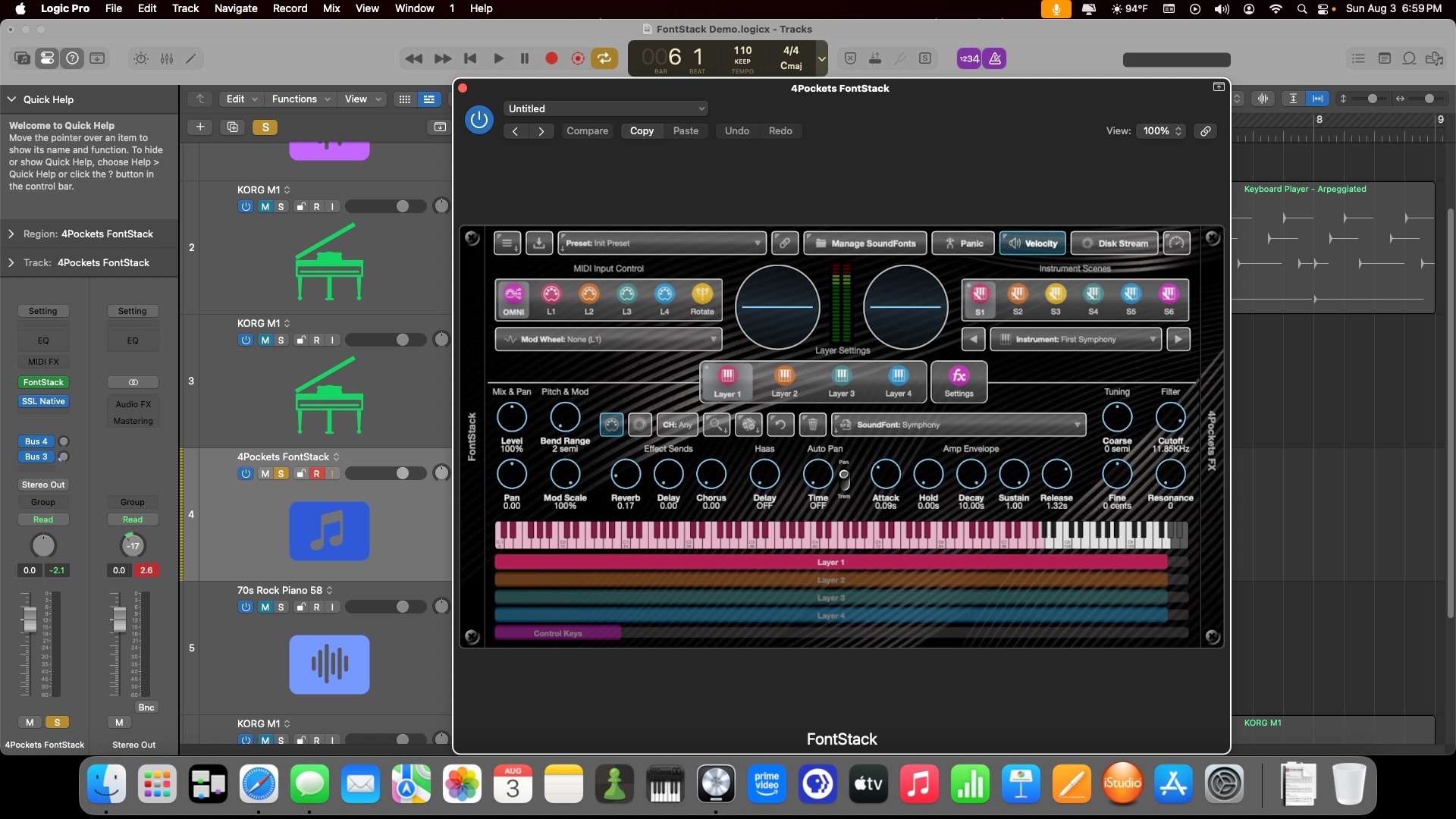
You import your SoundFonts into a SoundFont Player, such as FontStack by 4Pockets. It runs both stand-alone and as a plug-in in a MIDI track. FontStack has some really good file management capabilities and includes some good SoundFonts, which are an optional install (at any time). Plus, the documentation includes links to more sources of SoundFonts.
Here it is being used in a MIDI track in the latest Logic Pro in Full Screen mode, which displays the on-screen keyboard and MIDI Layers at the bottom. To turn on Full Screen Mode, use the hamburger menu on the top left and select Settings. Access to the Manual is in that menu, along with a lot of other Settings and Features.
It's in the Mac App Store under iPhone & iPad apps. I've used it quite a bit on an iPad, including in the latest version of Steinberg's iPad DAW, Cubasis. (My old iPad doesn't have enough resources. to use Logic for iPad, in case anyone is wondering.) It works under native Apple Silicon, so no Rosetta required.
P.S. I forgot to mention that the Manual has links to videos, which teach you how to use FontStack.
[Edited by Moderator]


