The Tahoe update was... interesting 🤔. Here are some unique ways to view "system files", which are naturally hidden in finder (for general users).
From Finder (Option 1):
Open Finder > Press 'cmd + shift + G', then a search will appear. Begin your query with a forward slash '/' or if you are unsure of the file path, begin the query with '~/'
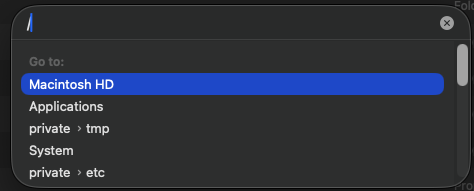
From Finder (Option 2):
In the top pane of finder, you can navigate to the "Go" tab and navigate from there.
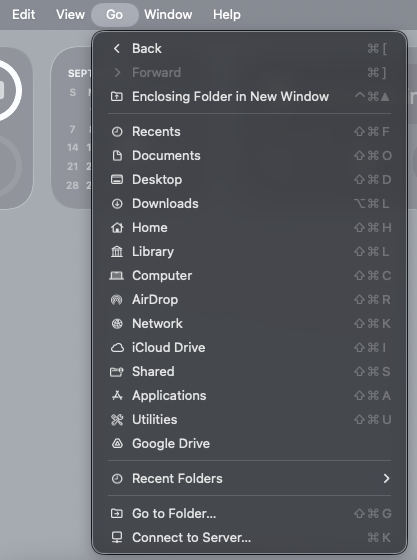
From Finder (Option 3):
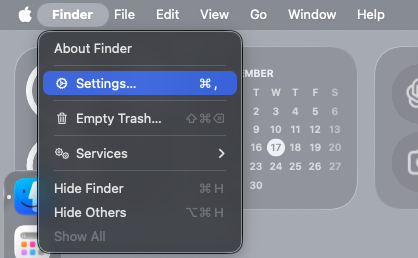
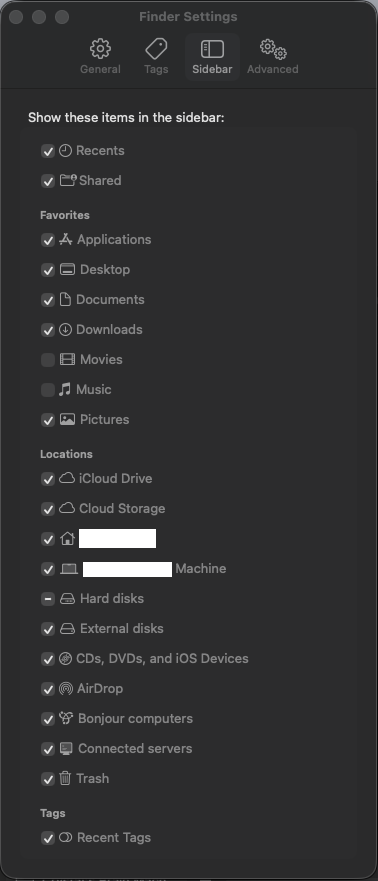
Edit your finder settings > sidebar > select what you would like to see.
For more advanced users, I would recommend using the terminal for quick navigation. Nowadays, if you have access to an AI interface, I would 10/10 recommend asking it how to navigate.




