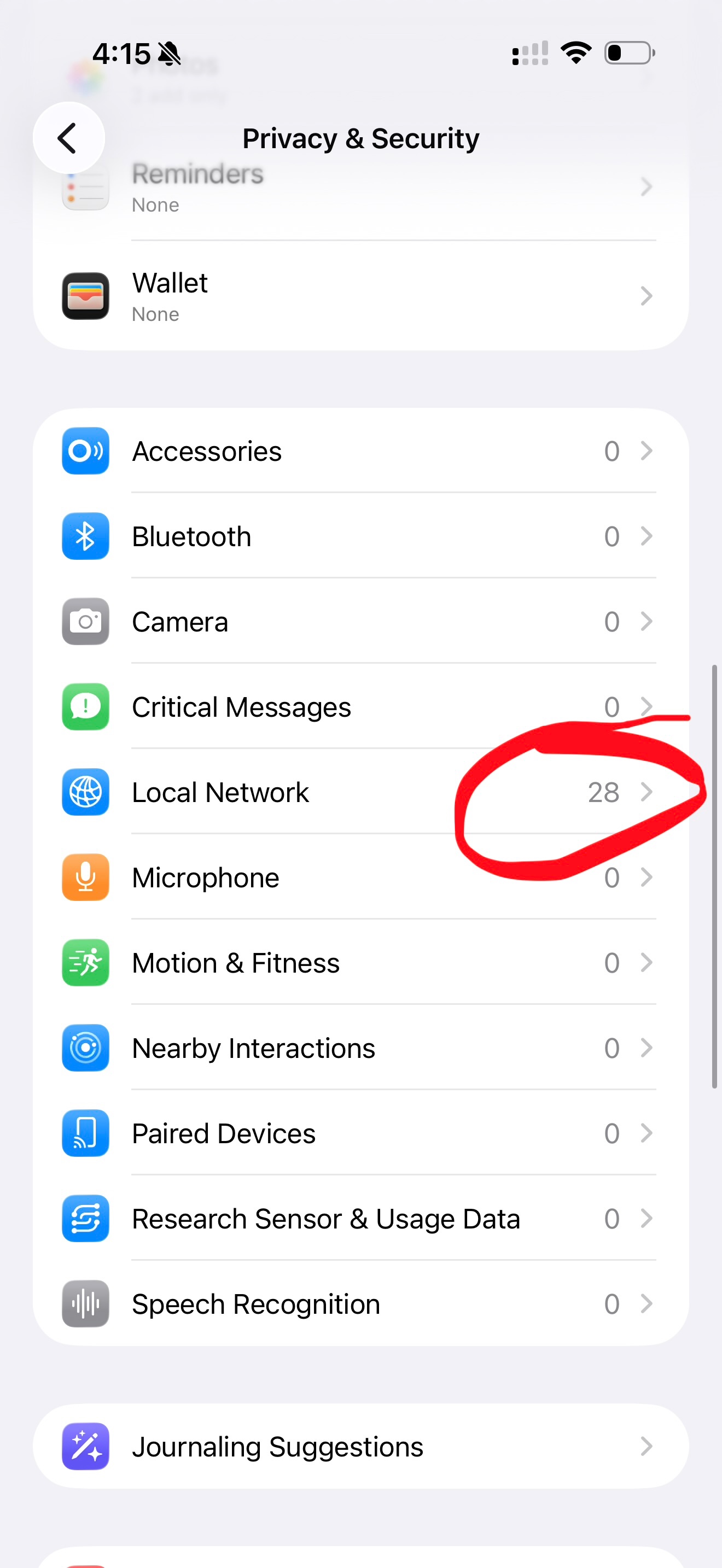
Privacy & Security / Local Network.

When i enter “Privacy & Security “ on my iPhone, and scroll down to “ Local Network “ I see the numbers 49, which basically means that 49 Apps have access to this information. but when i tap to see what, and who has access, I see the following: Apps that have requested permission to find and communicate with devices on your local network will appear here.” But nothing is shown. As in the 49 Apps is not shown.


Any and all assistance in this matter is greatly appreciated.

iPhone 14 Pro Max

Posted on Nov 1, 2025 3:52 AM

Reply
11 replies

Nov 20, 2025 1:36 PM in response to NOMAD2008

I have been dealing with this issue since 18.2 all the way to 26.1, since February of this year, from three different iPhones, and have repeatedly asked Apple Support to help, and they just send me to write a whole report to Apple Security Research as if I’m a bug hunter. It’s a horrible glitch or bug because of the security concern; even if it’s not malicious, it’s highly suspicious.


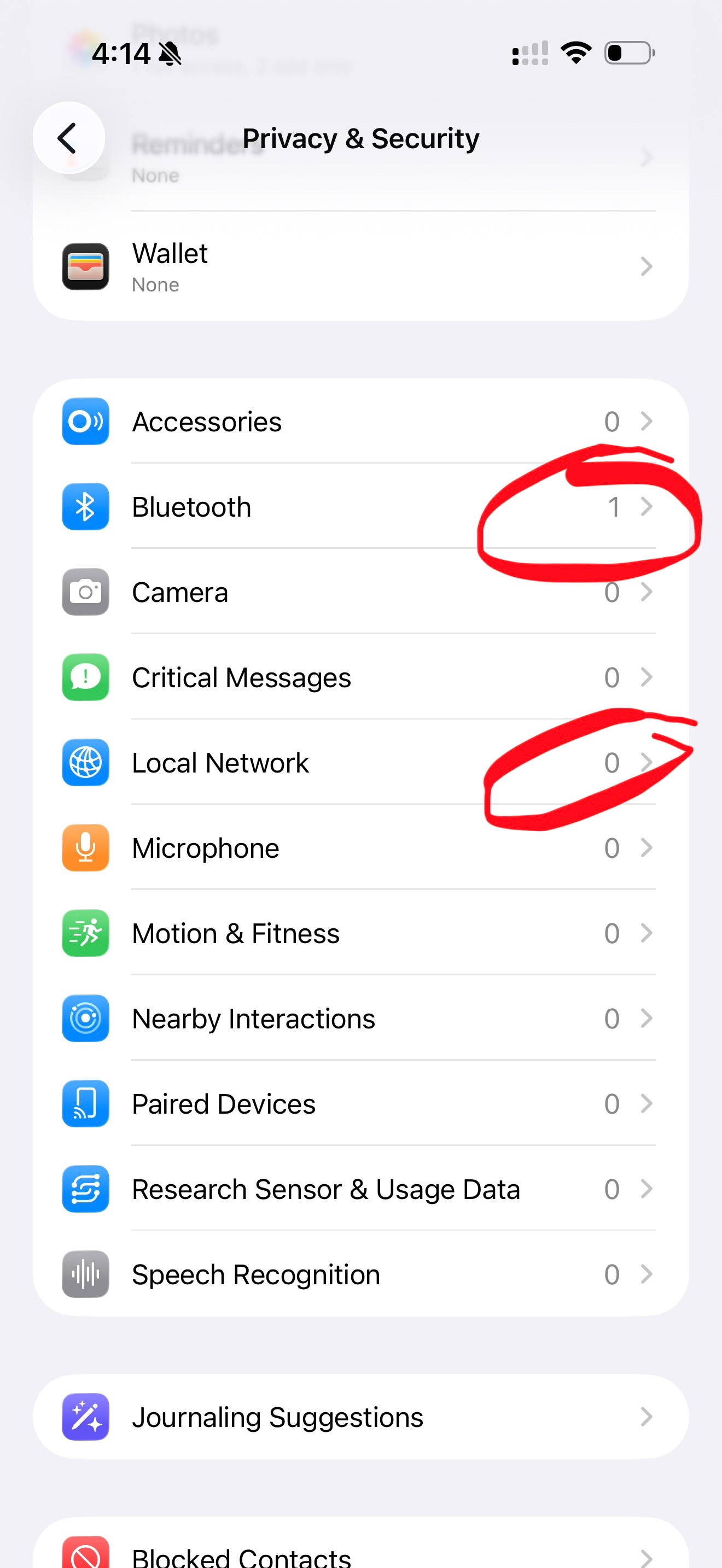
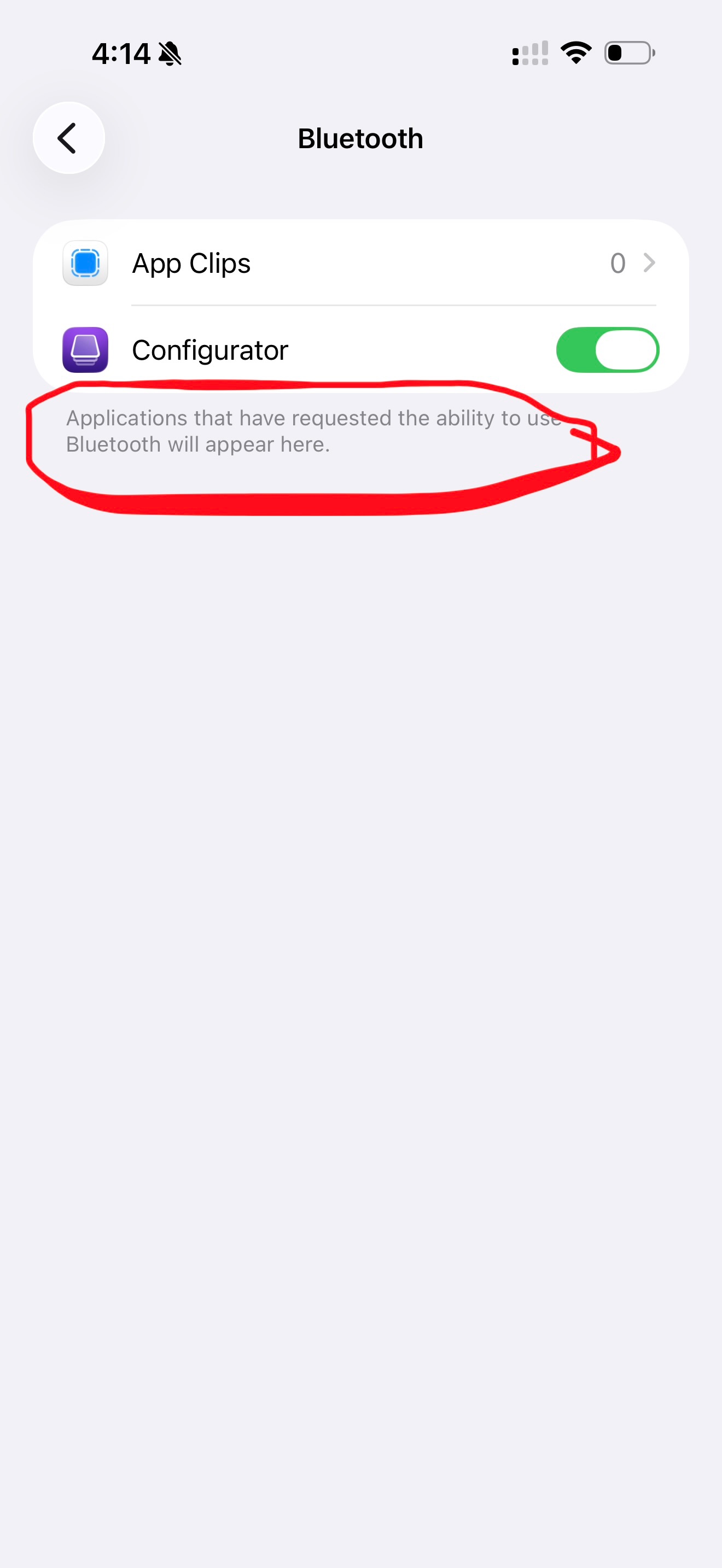
I’ve done a factory reset and even the firmware reset at the Apple Store. But yeah, basically if I allow an app local network access, it’s supposed to enumerate the number of apps that have access, and then when I click on local network, it’s supposed to specify which of those apps have access and I can toggle the access on or off (i.e., for the Bluetooth it’s the same, so you can see it says 1, and I have the ability to see which 1 of those apps have access and are able to toggle on and off).


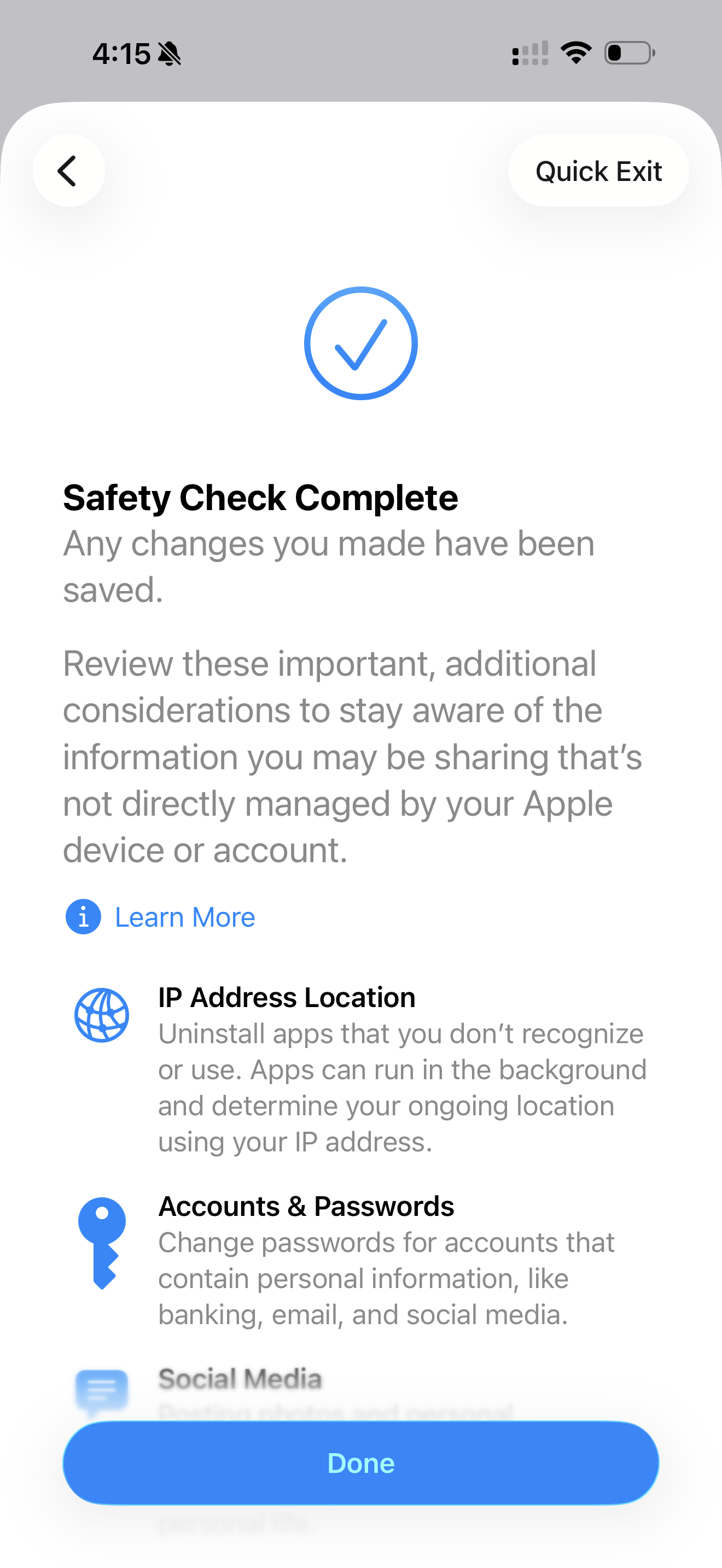
When I perform a Safety Check emergency reset to remove access to all apps, ironically it now gives 28 apps access, and it does NOT enumerate them nor give you the option to toggle on and off. The temporary fix I found is to just perform a network reset and it goes to zero, but there’s no way to validate what those hidden apps that have access are, and they reappear with access every time I perform the Safety Check emergency reset, so the network settings reset is not a thorough fix.
Nov 1, 2025 11:00 AM in response to NOMAD2008

Try deleting one or two of the apps that have requested access to your local network. Then, restart your iPhone. Reinstall, and agree to allow the app to access your local network. Then go back to Settings, and see if the app is visible, and if it has possibly triggered the other 48 apps to also be visible.


It sounds like a bug. I have checked in the same menu on iOS 26.0.1. It says I have 6 apps that are allowed to access my local network, and when I open, it also shows 6 apps.

Nov 1, 2025 7:20 AM in response to NOMAD2008

According to Apple:

“In iOS 14 or later … any app that wants to interact with devices on your network must ask for permission the first time that it tries to browse your local network. … At any time, you can allow or revoke an app’s access to the local network: In Settings → Privacy & Security → Local Network you’ll see a list of every app that requested access.” 


Privacy & Security / Local Network.

Welcome to Apple Support Community
A forum where Apple customers help each other with their products. Get started with your Apple Account.