kenfrompershore wrote:
I have a 2019 MacBook Pro running Tahoe. I now want to Dual Boot this with Sequoia. I have created an AFPS container and named it MACOS Sequoia & downloaded Sequoia. When I click on the installer I get a pop up that says. 'This installer cannot be used from the version of macOS you are running'. How do I install it?
Container is basically a Partition ?
I suspect adding a Volume instead of a Container...
Note: you can add a volume within the original container without penalty.
ref: Add, delete, or erase APFS volumes in Disk Utility on Mac
You can create a Bootable USB installer to install the OS there on your newly selected Volume
Create a bootable installer for macOS
when you boot up holding the Option key you can select the start up volume..
or the >System Settings>Startup Disk to choose a default
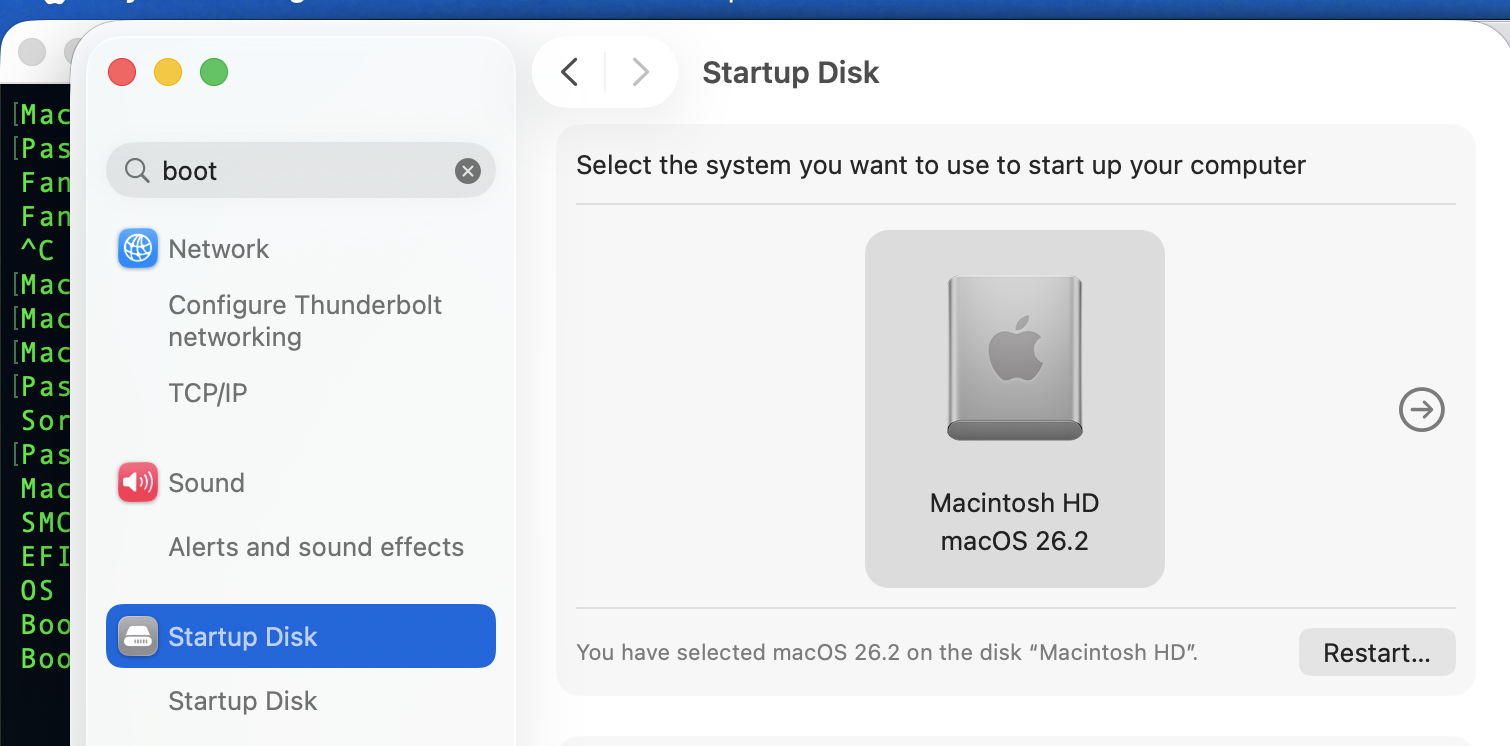
ref: Use more than one version of macOS on Mac - Apple Support



