ruchira918 wrote:
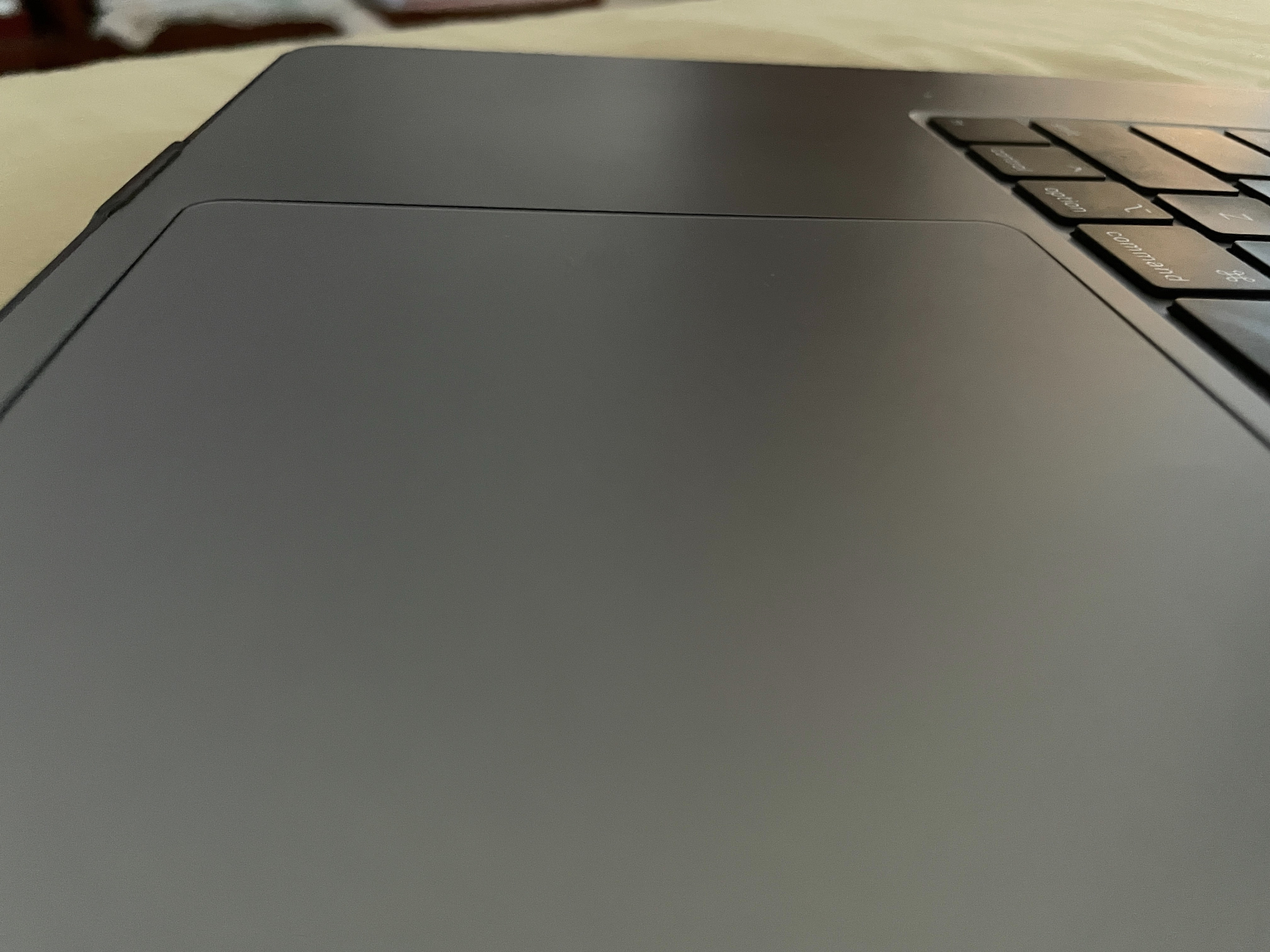
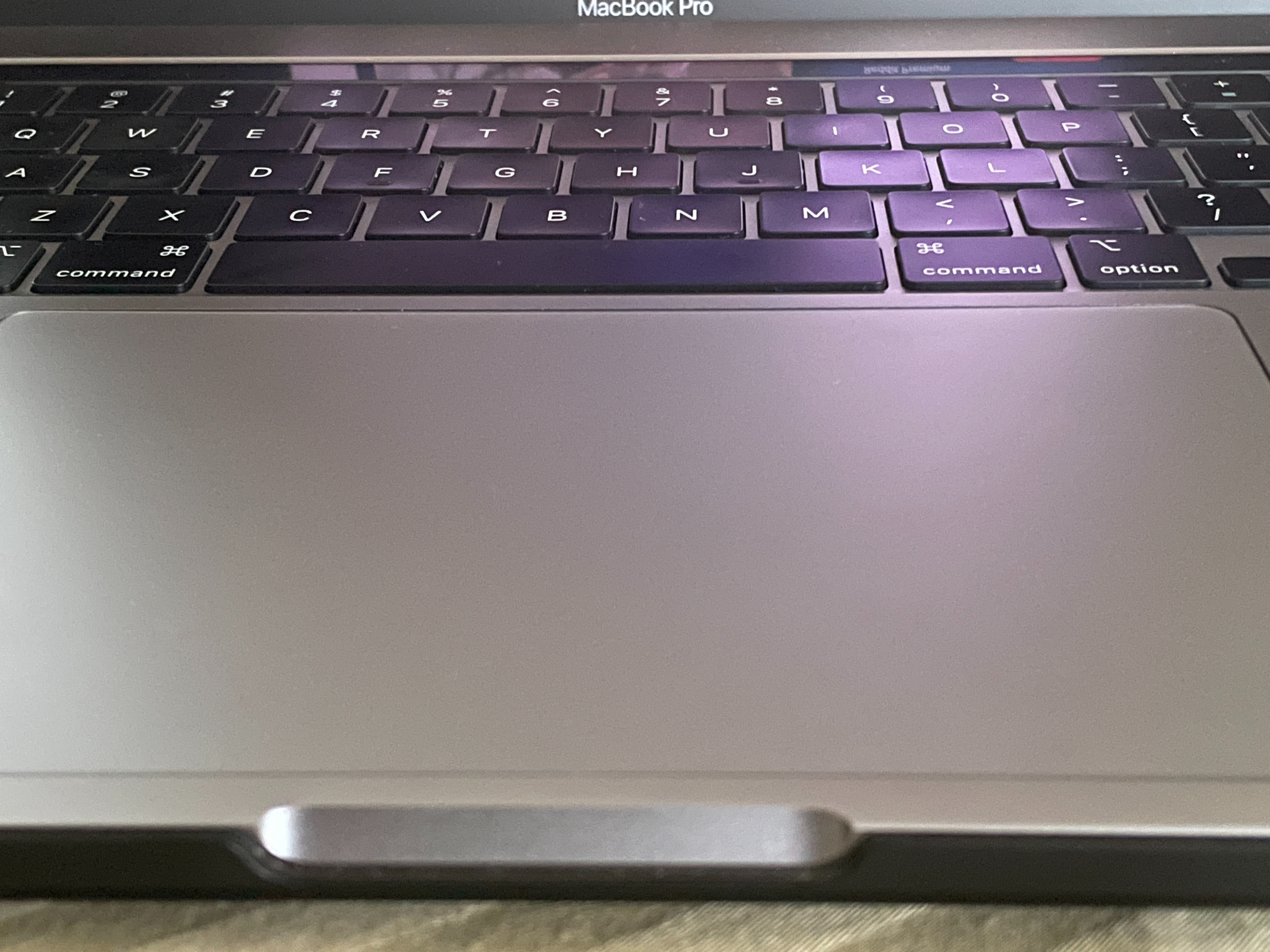
I might be nitpicking here but the trackpad on my MacBook Pro seems to be slightly raised (about a tenth of a mm) at each of the 4 corners. It's super hard to catch it on camera, but you could definitely feel it if you ran your finger over the corners.
Should I be concerned or is this normal?
PS: I've attached a couple pics where you could kinda see the raised edges.
"a tenth of a mm" is hardly anything. What I can say is typically you expect to see the track pad a a tenth of a mm below the uppercase, not above.
And you are correct I can not determine anything from the photos— if anything it looks like the trackpad is below as expected.
You have a limited 14 days to return for a full refund or exchange for any reason—for one that suits you better.
After that it is a warranty repair—
In or out of warranty you can get a free over the counter 'Apple Service Diagnostics' test /assessment
Make an appointment for a "hardware issue"—
https://www.apple.com/retail/geniusbar/
Outside the USA
https://locate.apple.com/country
From iOS device using the app to make a online Genius Bar appointment is easy:
https://itunes.apple.com/us/app/apple-support/id1130498044?mt=8
“Mac notebook, contact us and we'll send you a box you can use to ship it to an Apple Repair Center. We'll return your repaired product to you as quickly as possible. Depending on where you get service, you might be able to check the status of your repair online.” Start a service request https://support.apple.com/mac/repair/service
Call Customer Support (800) MY–APPLE (800–692–7753)
or on line https://getsupport.apple.com/
or call AppleCare Support at 1-800-APLCARE (800-275-2273)
Outside the USA—Contact Apple for support and service by phone
See a list of Apple phone numbers around the world.
https://support.apple.com/en-us/HT201232
Learn how to get your Mac fixed and how much it will cost.
https://support.apple.com/mac/repair/service
Get your Mac ready for service - Apple Support https://support.apple.com/en-us/HT209095

