
How to stop voice over
How to stop voice over on Apple TV films
iMac 24″, macOS 12.5
How to stop voice over on Apple TV films
iMac 24″, macOS 12.5
In general, for all (new) videos from then on: Change the Audio Description preference is Settings. On Mac: System Preferences﹥Accessibility﹥Descriptions﹥☐ Play Audio Descriptions when available (unchecked)
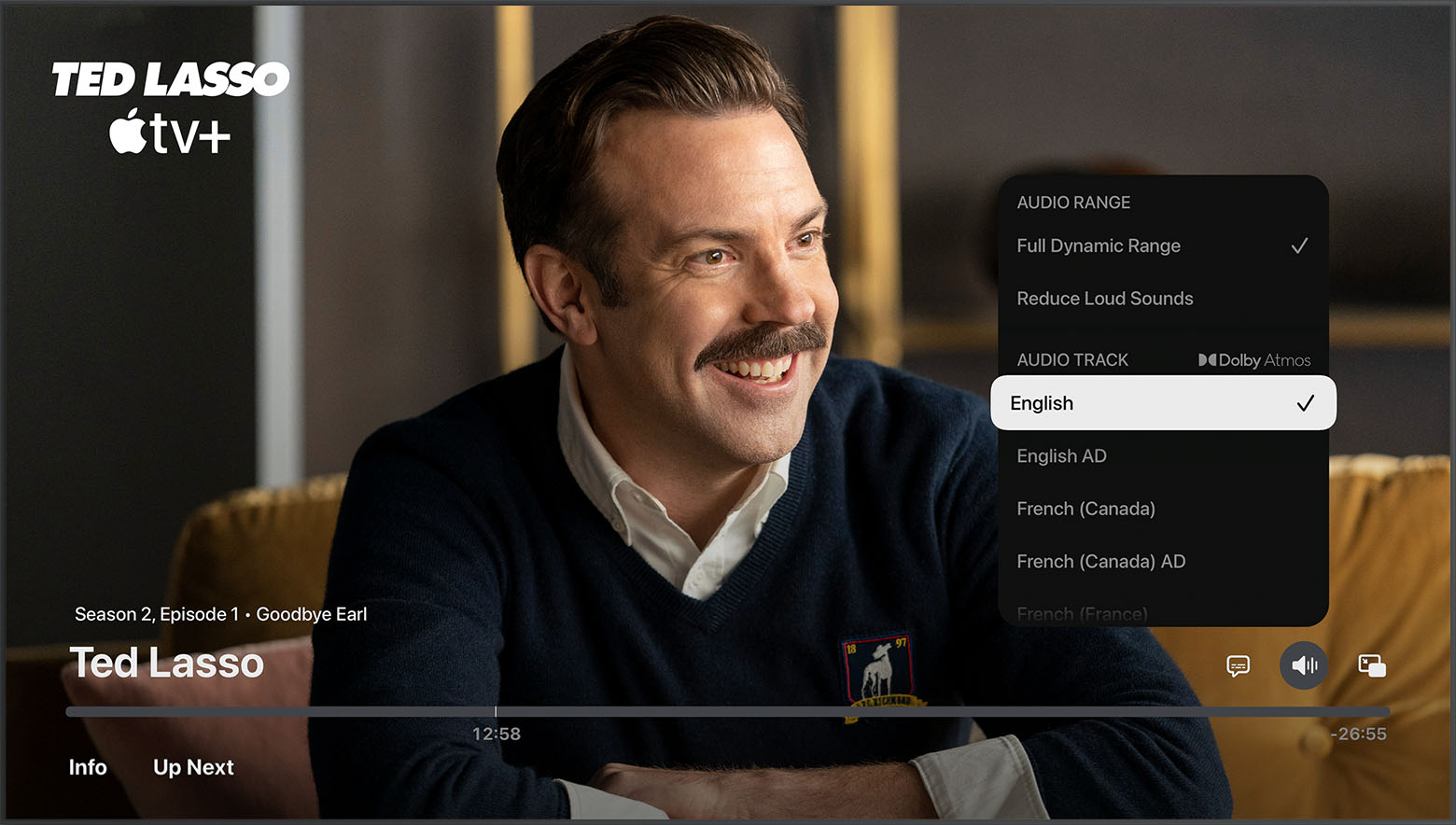
For the currently playing video: Choose a non-AD audio track. Change subtitles or languages for videos in the Apple TV app or iTunes Store - Apple Support.
Very many thanks for a troubling problem.......late 80"s with a new Mac for a present Great fun.thanks again stay safe Ron
How to stop voice over
