Thank you, @LD150 for taking the time to answer.
Yes, I can see your point, and I should agree with you as an engineer, understanding (superficially though) the principles of how GPS works. However, looking at the GPS track of the tennis session I just had yesterday, recorded with a Garmin Fenix 7X, it looks accurate enough for me.
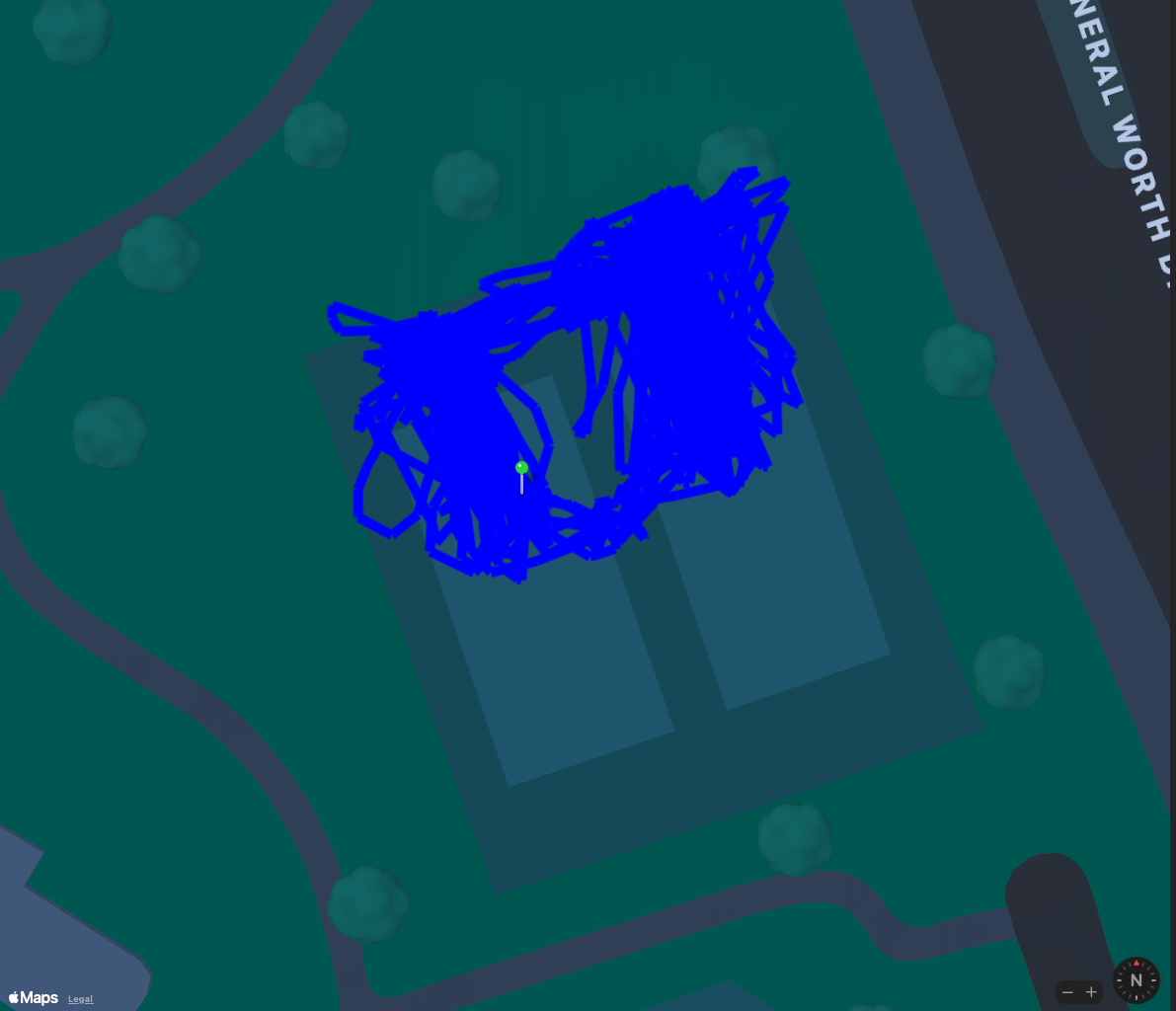
Apart from accuracy, I can see the sampling rate could be an issue. Looking at the walk workout's raw data from the Apple Watch, it has a one sample per second rate. You can cover a surprisingly large distance in one second, and turn around in that time while playing tennis. But I looked at the actual raw data from the Garmin watch, and the track shown above doesn't even have a one sample per second rate, sometimes slower. I think it is adaptive, depending on the intensity of the movements.
As far as I know, both watches use dual frequency precision tracking, and Apple states their watch is the best.
"Precision dual-frequency GPS utilizes advanced satellite and signal models, custom positioning algorithms, and Apple Maps data to provide the most accurate GPS in a sports watch.1"
With a foot note, of course... ;-)

And as I said, I find the track from the Garmin watch accurate enough to paint a "heat map". On Garmin Connect, it is actually shown as a heat map, I pasted an image in an earlier post showing it. I know, it is not much value, but it looks good when I open the activity to look at.
Let me submit a "feedback" to Apple.


