Recent (iOS 18) upgrades to Mail added categorization to messages, allowing you to focus on 'important' messages while sidelining mailing lists, marketing emails, promos, etc.
This is controlled by the banner at the top of the messages list:
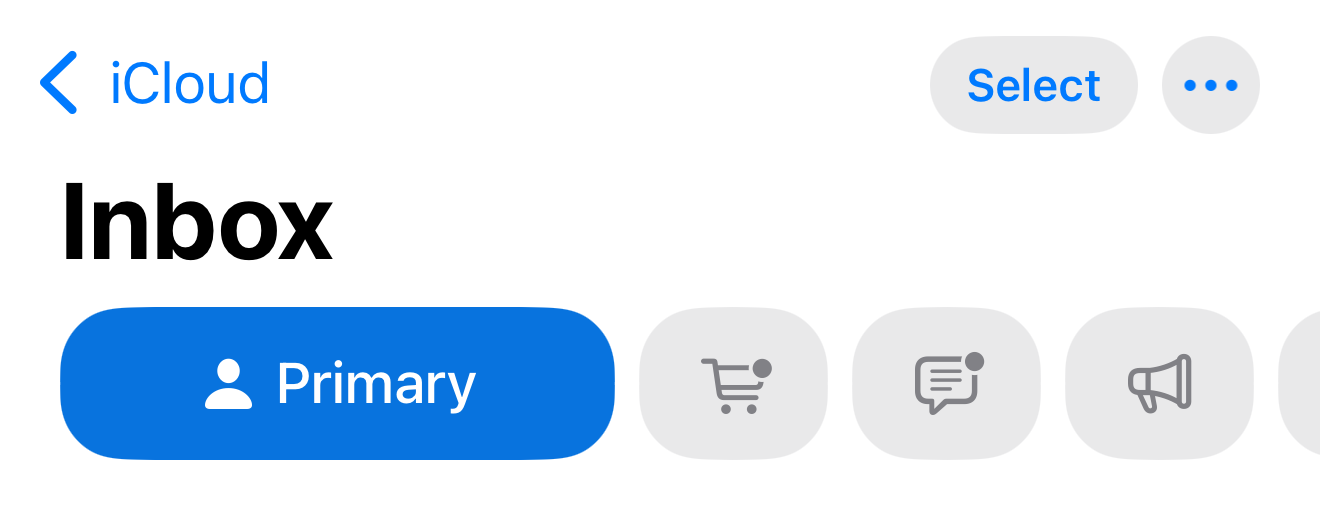
Here, you can see the Primary category selected, so the message list is only showing me what Mail thinks are important/relevant emails.
You can select another category of messages by tapping one of the other icons in the bar, or display all messages by toggling the currently selected category.
There may be other things afoot, but that's the one that comes to mind, given the limited info available.

