erikselz wrote:
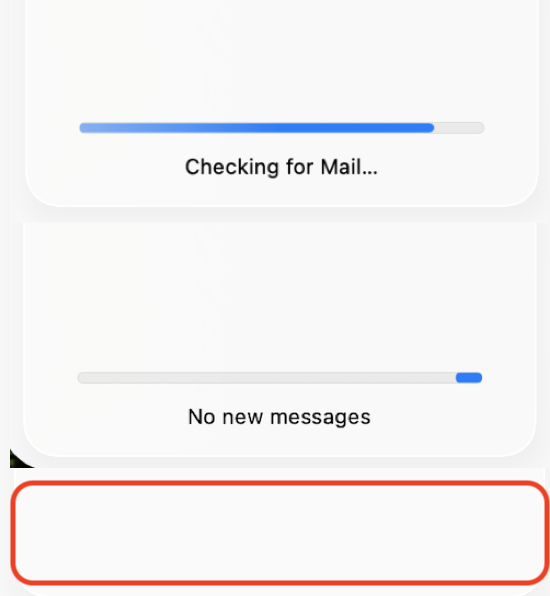
how to get rid of the "downloading messages" progress bar which zips back and forth in Mac mail in Tahoe?
It's present nearly all of the time, as I have four separate accounts in Mac Mail and receive probably 500 emails per day across those accounts. So the constant blue progress bar moving back back-and-forth is super distracting.
https://discussions.apple.com/content/attachment/e4a3ce8b-f043-45c7-b881-3786619ec390
How is this an issue— it is looking for or fetching mail. You can quit the Mail.app if you do not want to use it.
Get on a faster Network if your download speed is suspect...
Quit Mail and relaunch it...
Delete the mail account and add it back in... and compare your results.
Remove or temporarily turn off email accounts in Mail on Mac
You can hide the sidebar:

The current stable release of Tahoe including bug fixes, security updates is macOS 26.0.1
Keep your Mac up to date - Apple Support
Keep your Mac up to date - Apple Support
To be proactive you can submit your Apple Feedback direct to the Product Team here:
Feedback - Mail - Apple