Control Centre icons missing

Hey, I recently purchased a new m5 MacBook Pro, and during the handover from my old Mac I had to interrupt it, I restarted the process later and it seemed to work fine. Everything works apart from two things. Control Centre icons are missing, and Shortcut Actions are missing. I've tried redownloading macOS 26 and restarting and changing the language and region according to some other posts. I have all the required apps downloaded so not too sure what the problem is.

MacBook Pro (M5, 2025)

Posted on Nov 16, 2025 6:12 PM

Reply
2 replies

Nov 16, 2025 6:22 PM in response to alexx73

This Apple instruction shows how to add items into the Control center:


Use and customize Control Center on iPhone - Apple Support


Customize controls

You can rearrange, add, and remove controls in Control Center.

  1. Open Control Center.
  2. Tap  at the top left of Control Center to begin editing the controls.
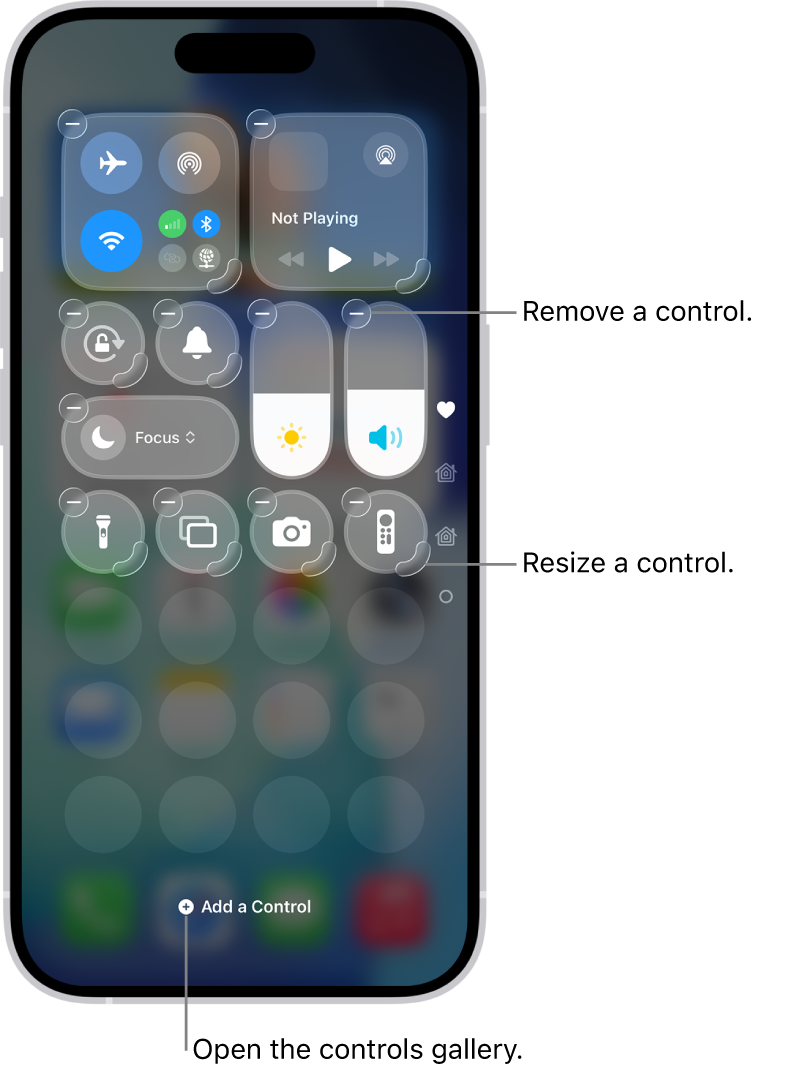
  3. Do any of the following: 
    • Rearrange controls: Drag a control to a new position.
    • Remove a control or a set of controls: Tap  at the upper left of the control.
    • Resize a control: Drag the handle at the lower right of the control.
    • Create a new section of controls: Tap the bottommost icon (the little circle) along the right edge of the screen, then tap Add a Control, and choose which controls to add to your custom group. Or you can drag a control off the bottom of the page to create a new section.
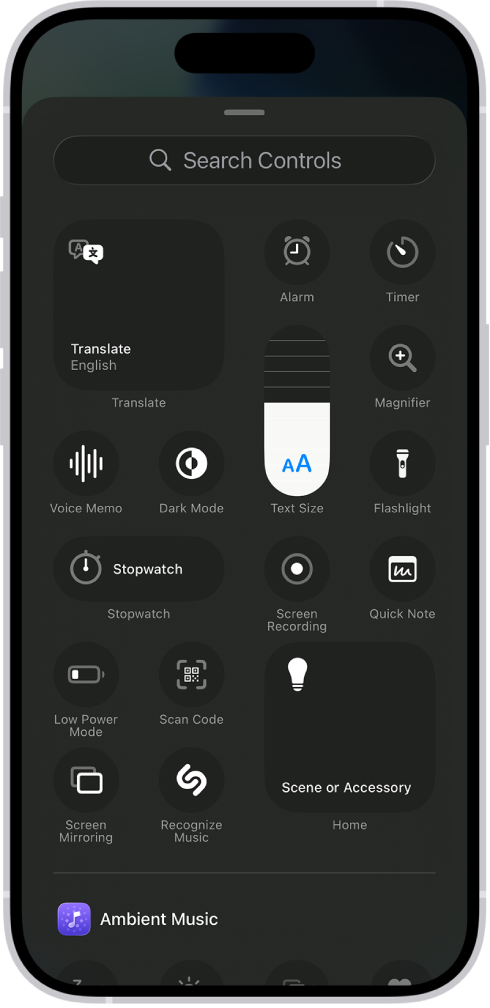
  • Add more controls: Tap Add a Control at the bottom of the screen to open the controls gallery, then tap a control to add it to Control Center.
    • When you finish customizing, close Control Center by swiping up from the bottom center of the screen.


Control Centre icons missing

Welcome to Apple Support Community
A forum where Apple customers help each other with their products. Get started with your Apple Account.