I now own a 2024 Mac Mini (M4 32GB 2TB) running Sequoia 15.3.1. I just bought two Crucial X10 Pro external SSDs: 2TB for my Photos library (currently about 1TB in size), 4TB for Time Machine backups. So far, the 2TB Photos drive is working with no issues - but I've replaced the 4TB unit with a Western Digital 20TB external HDD, because:
After I had Time Machine initialize the 4TB drive, it did a complete backup of the Mac HD and the Photos SSD (about 1.8TB) - so far so good.
The next day, TM hadn't done any backups - Time Machine complained that the backup disk (X10 Pro 4TB) wasn't connected - sure enough, it wasn't.
I tried various workarounds - sorry, my notes are sketchy in this area! - the bottom line is this:
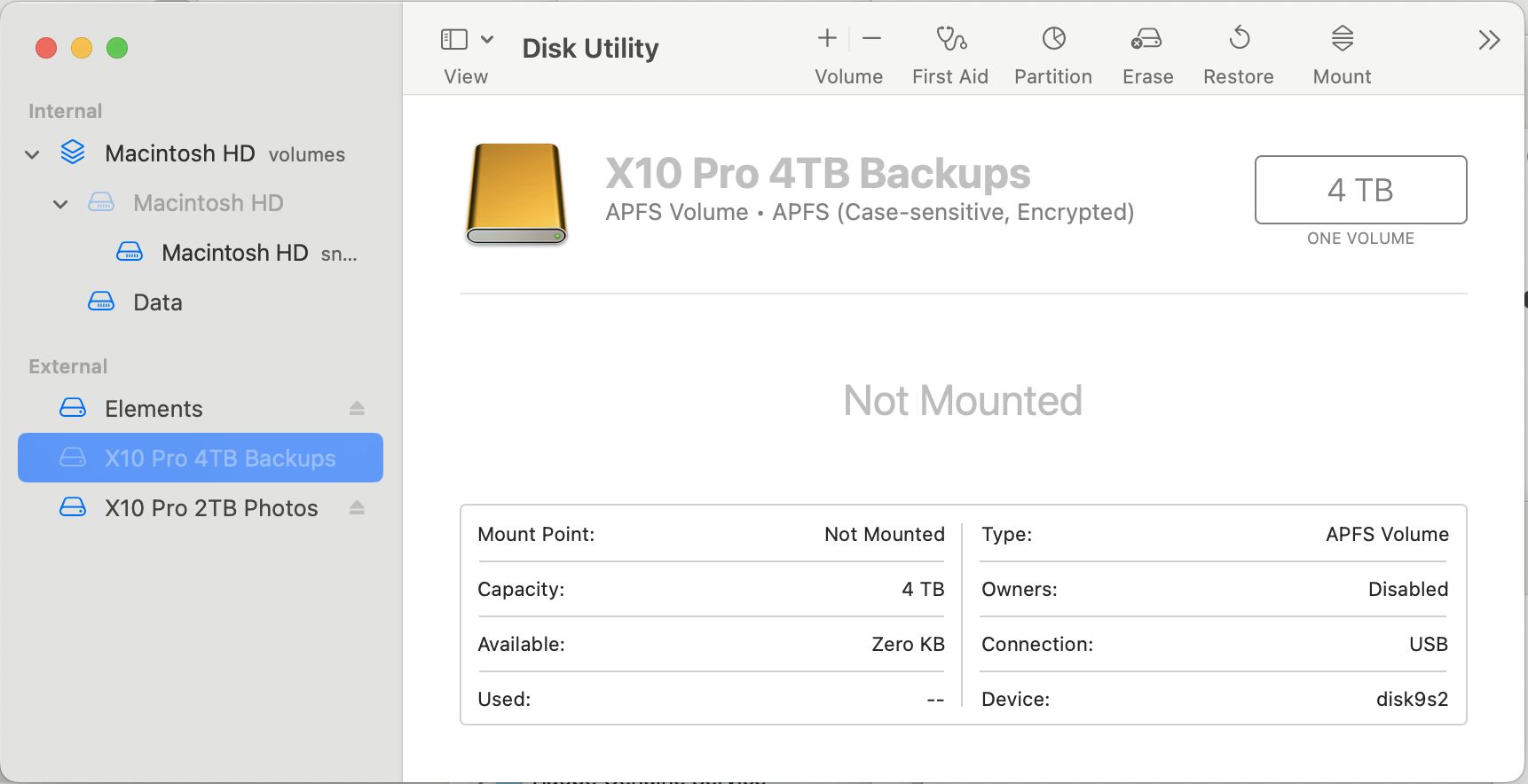
Currently, the X10 Pro 4TB drive is unmounted:
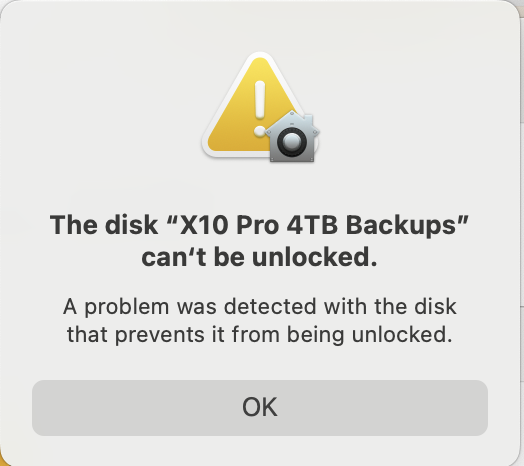
When try to mount:
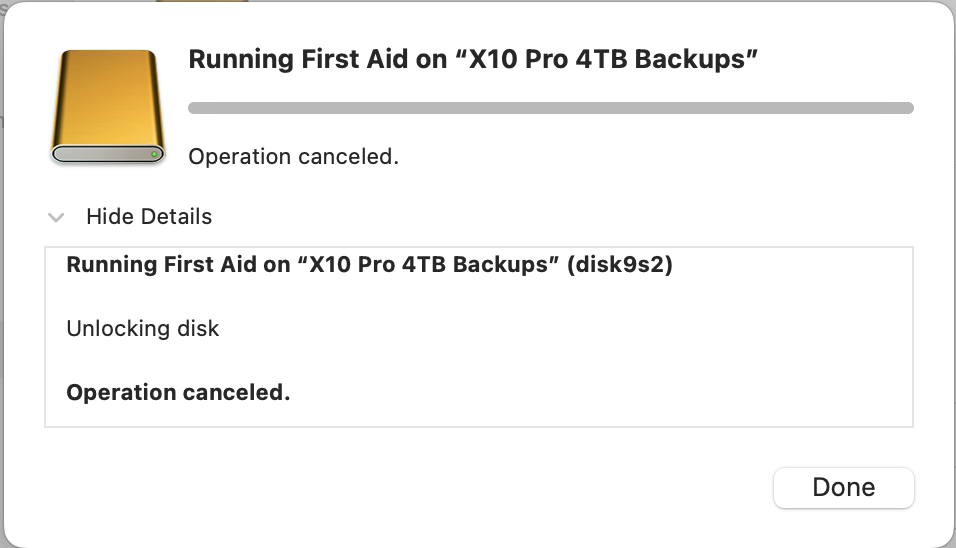
When try to run First Aid:

Trying to erase:
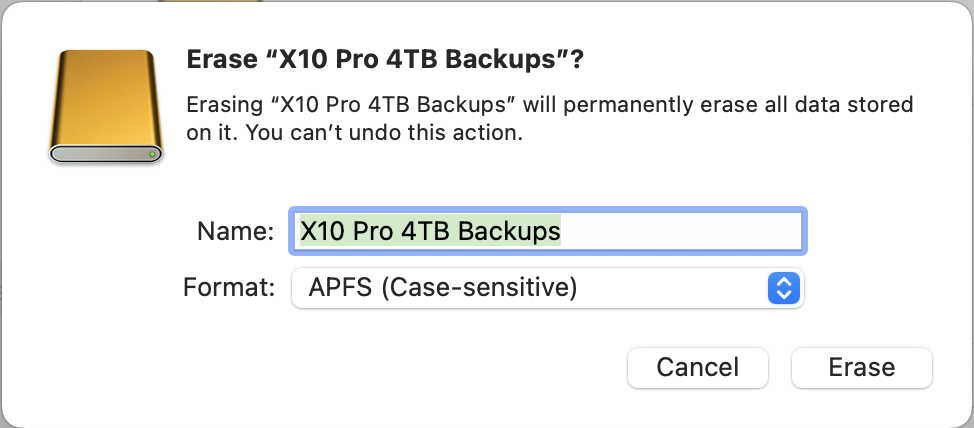
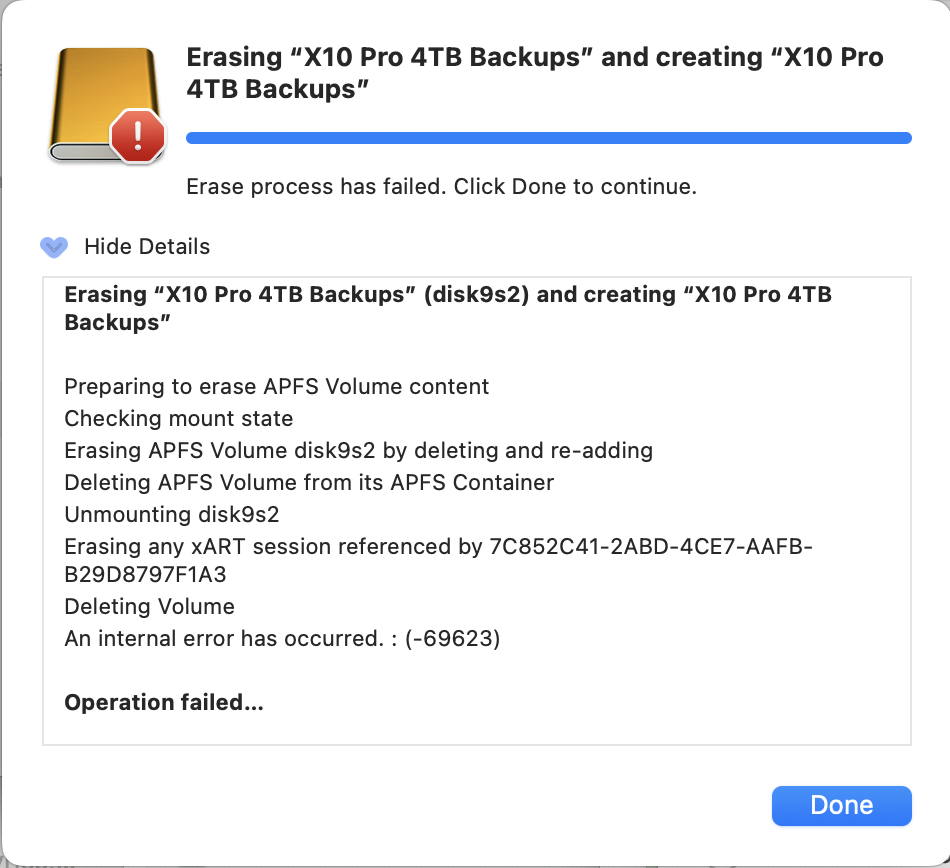
Deleting the volume helped once (I thought) - trying again:
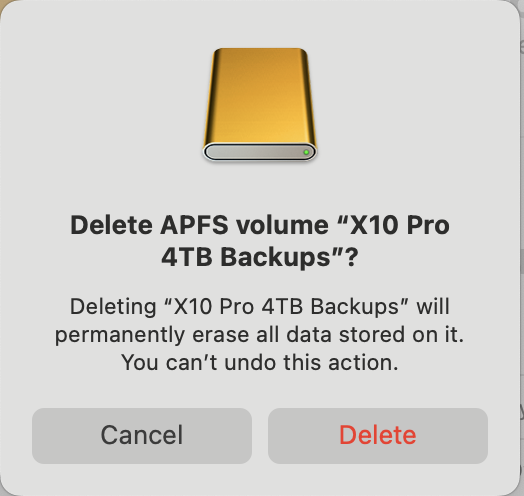
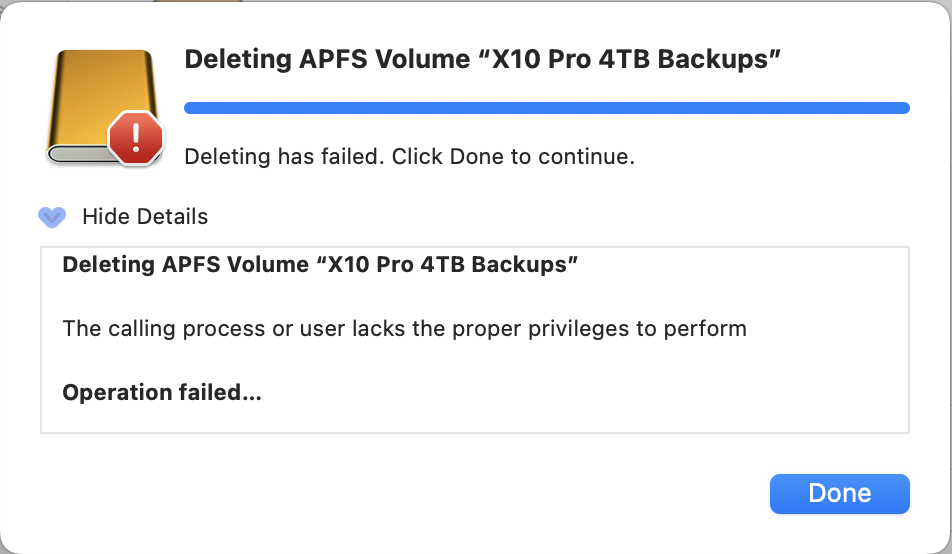
(I'm the owner, and my userID has Admin privileges - so what privileges are we talking about??)
Tried to eject it:
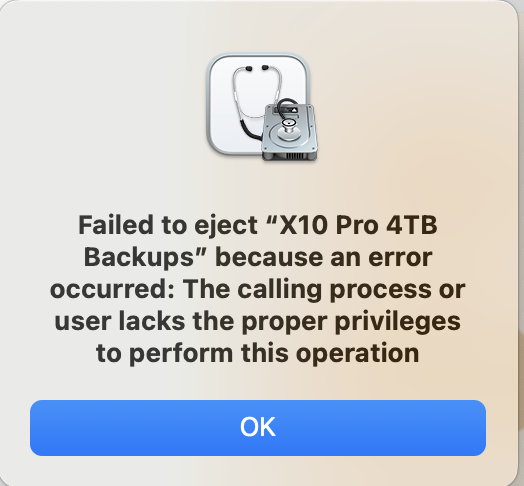
Trying to erase again:

Now it's not even trying to erase (started before but failed before with "internal error" -69623), it's claiming I lack the proper privileges - but I'm an Admin, what other privileges do I need??
If anyone has gotten to the bottom of this, I'd sure like to hear about it! In the meantime, I've given up on using the X10 Pro 4TB SSD as a TM backup drive - but I feel like I'm asking for trouble using the X10 Pro 2TB SSD as a photos drive, even though it's working fine so far (and I do have it backed up locally, besides having the entire photo library in iCloud).
I'm contacting Crucial (Micron) next, but I wanted to share my story here - either there's flaky 4TB SSDs being sold, OR Sequoia doesn't work with them well, or some combination of those - not sure about the smaller X10 Pros (1TB and 2TB).