
How do I backup iPhone on a external SSD in MacBook?
How do I back up from iPhone into external SSD connected to my MacBook Pro? I don’t have sufficient space available in MacBook Pro.
MacBook Pro 13″, macOS 10.13
How do I back up from iPhone into external SSD connected to my MacBook Pro? I don’t have sufficient space available in MacBook Pro.
MacBook Pro 13″, macOS 10.13
Please see this user tip: Make a split library portable - Apple Community
Scroll quite a long way down to the relevant section on relocating iOS backups. There are instructions for a Mac.
The process of symbolic link (As suggested by many in the Google Search) never worked for me. However, I have also given the process for creating backup in other drives or external HDD directly, though not approved by Apple Inc.

I would recommend you to make space, take the backup and then copy to another location and delete it from the default place.
Delete or copy backups on your Mac or PC
Don't edit, relocate, rename, or extract content from your backup files, because these actions might ruin the files. Use the following sections to make copies of your backups or delete backups that you no longer need.
Copy backups to another location
If you need copies of your backups, you can find the Backup folder and copy the entire folder (not just part of it) to another place, like an external drive or network-storage location.
When you use Time Machine, it automatically copies your Backup folder when you back up the Home folder on your Mac.
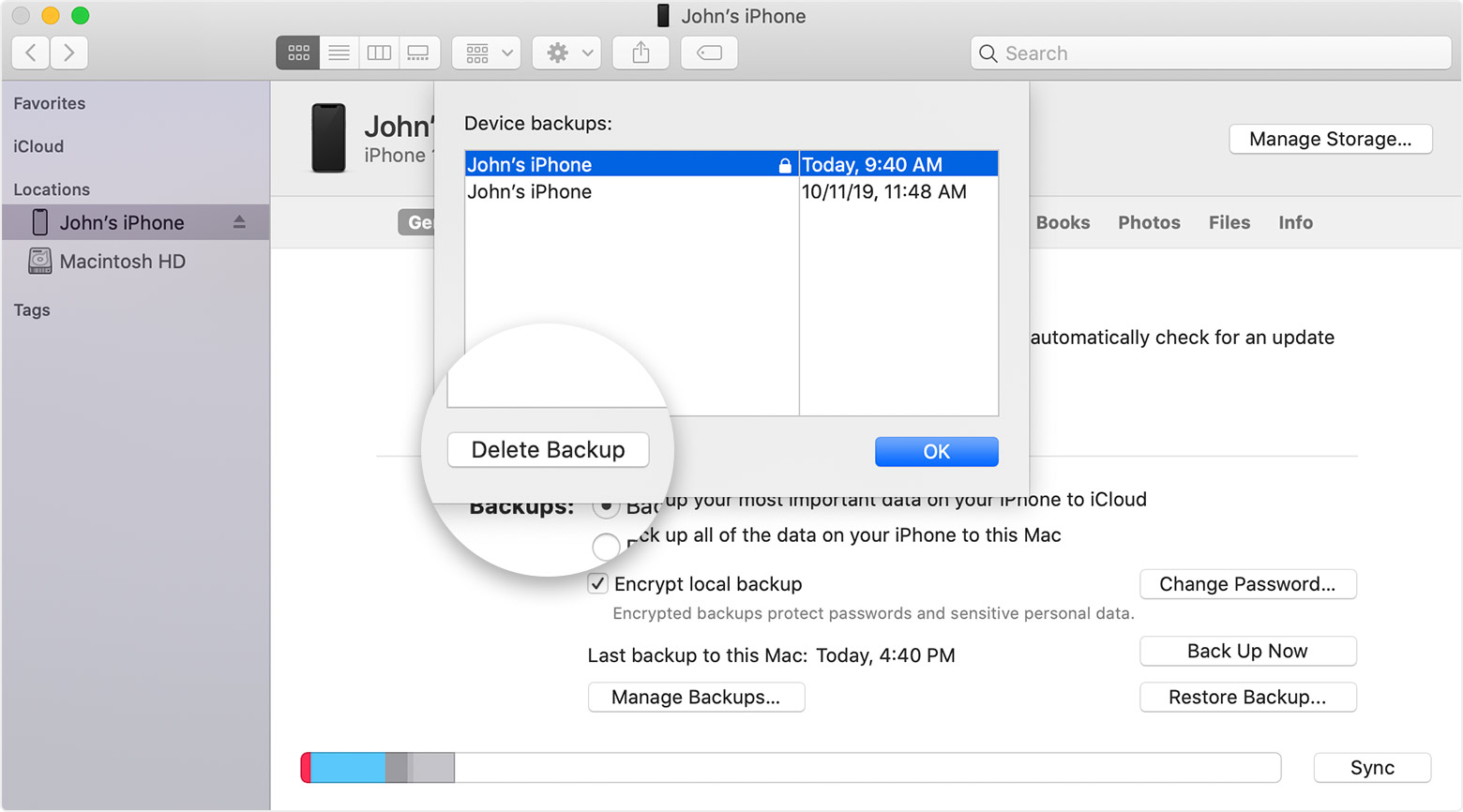
Delete backups
However, if you still wish to try the process out then the risk is solely yours.
You need to be well versed with the Terminal app. If you mess up you can never back up again even on your MacPC even on C Drive.
The Process...
You will have to create a symbolic link of the backup. See the Step 3 process on --> https://www.imore.com/how-move-your-iphone-or-ipad-backups-external-hard-drive
How do I backup iPhone on a external SSD in MacBook?
